
iPhone app · in App Review

One wide photo, a few good ways to post it.

I shoot wide landscape photos, but phone screens are tall — the layout is portrait, not landscape. A wide photo either sits small in the middle, or fills the frame and loses its sides. Handscroll cuts one panorama into carousel slides: swipe through them and you see the whole picture. With one slide it shows the whole photo on a blur, or a crop you choose, and it turns a still into a slow pan.

Try it in the browser On the App Store soon

Free · No account · Nothing leaves the phone

The app

Two outputs, one photo.

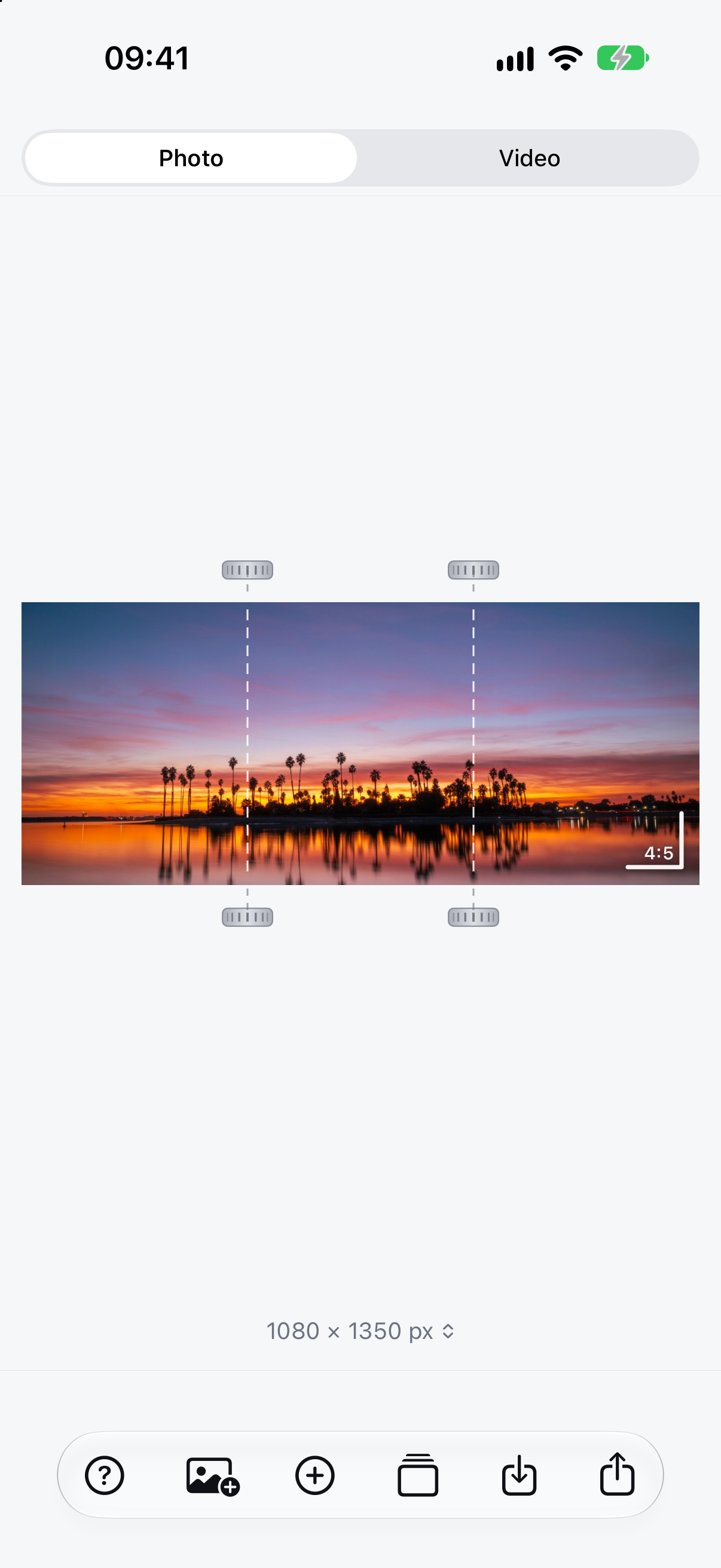
Photo with three slides: a wide sunset photo with two slide dividers.
Photo · slides
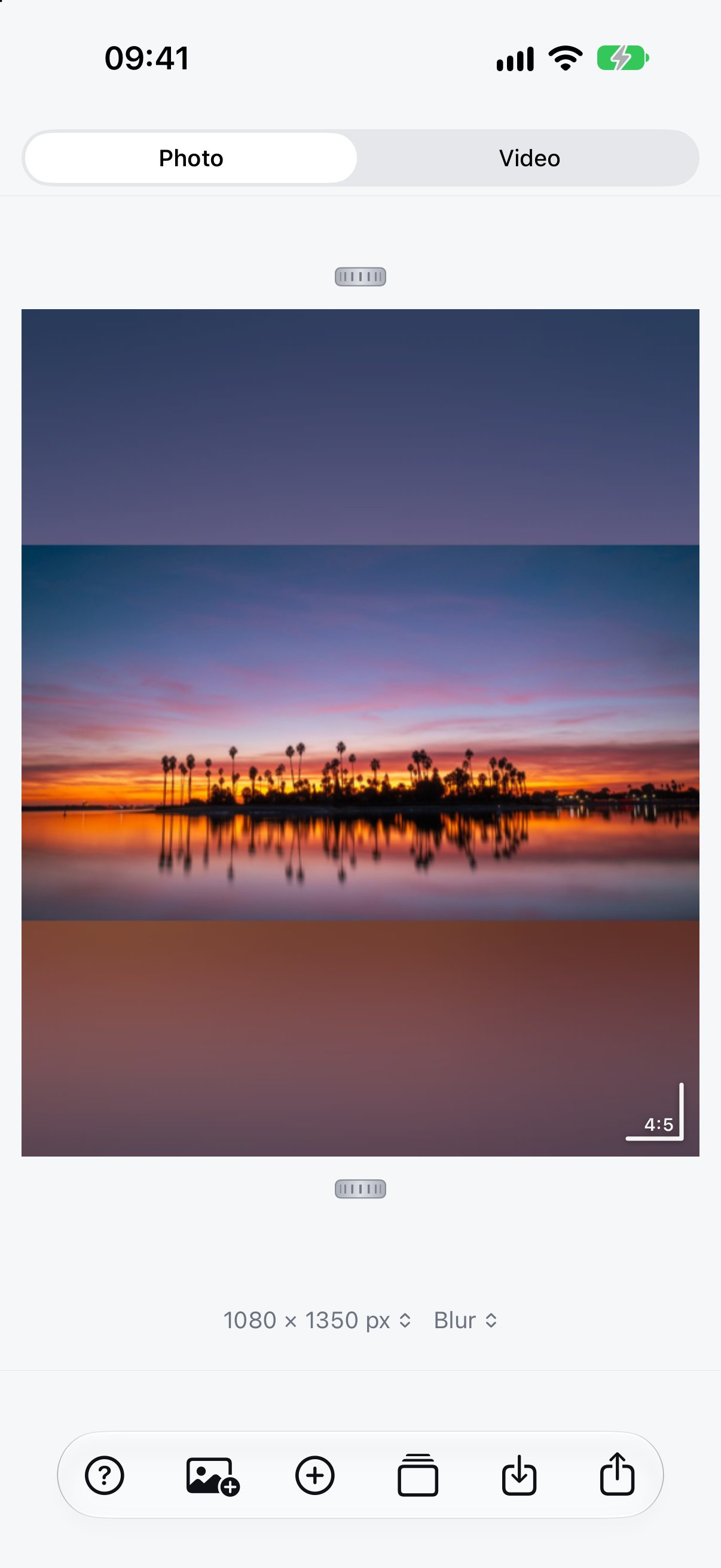
Photo with one slide: the whole photo inside a 4:5 frame with a blurred fill.
Photo · whole
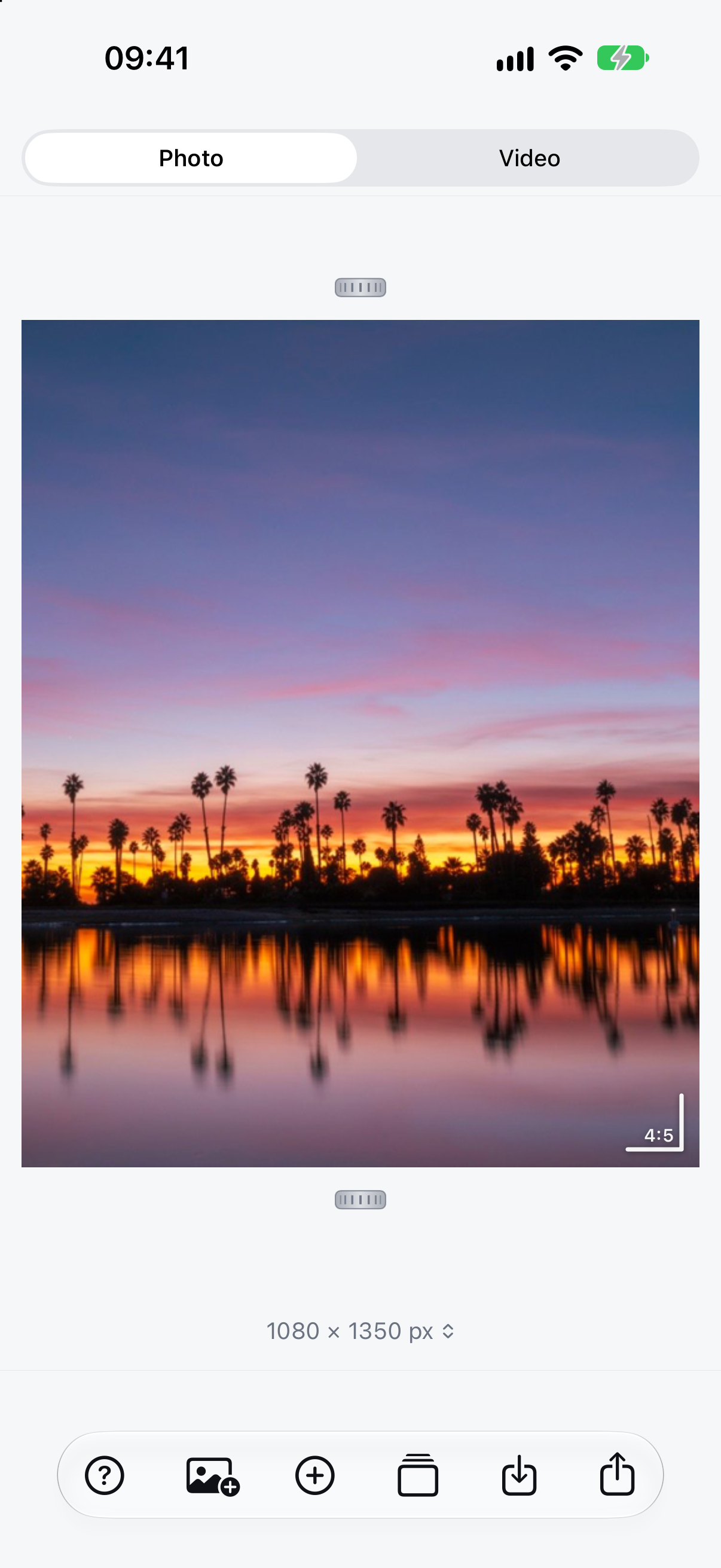
Photo with one slide: a tall 4:5 crop of the photo.
Photo · crop
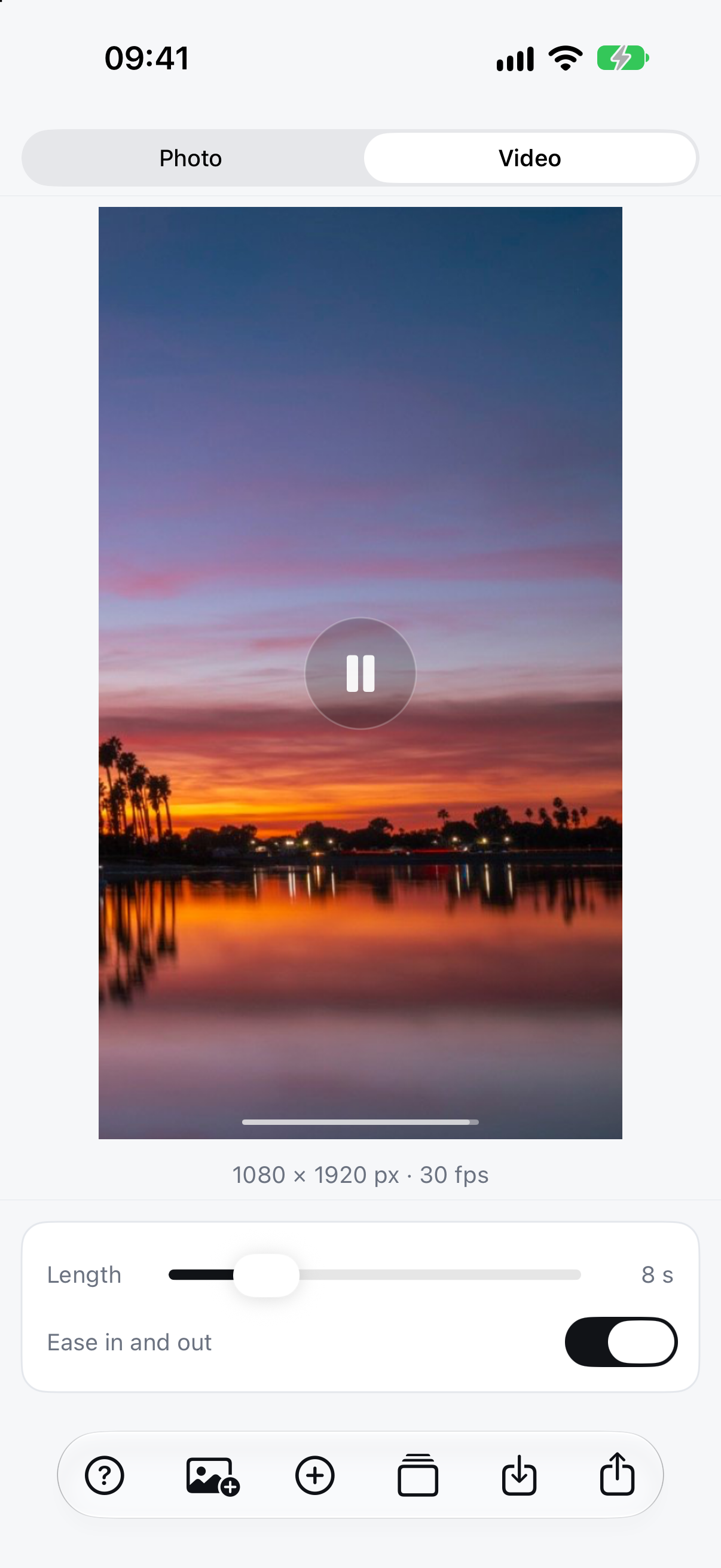
Video: a still photo set up for a slow pan, with Length and ease controls.
Video
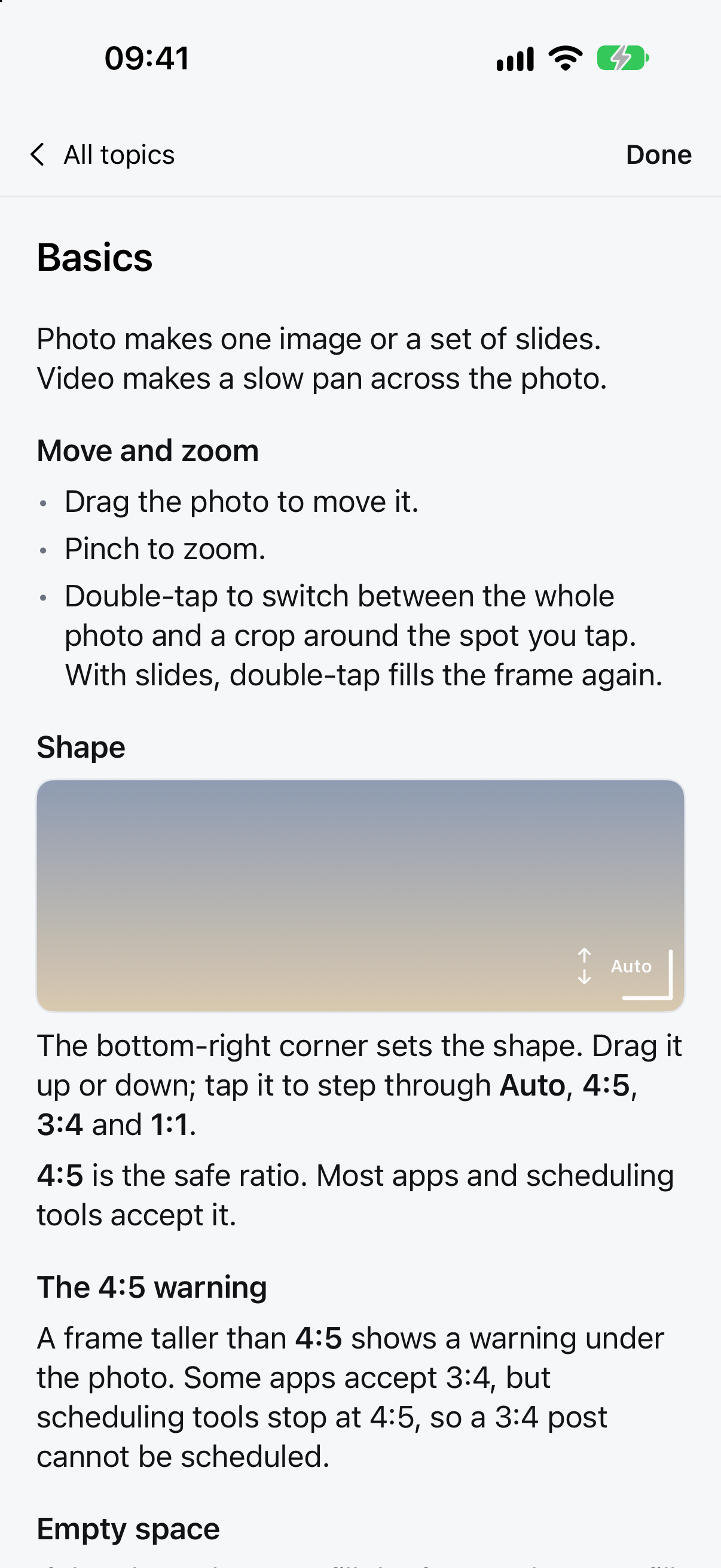
The built-in manual, open on Basics.
Manual
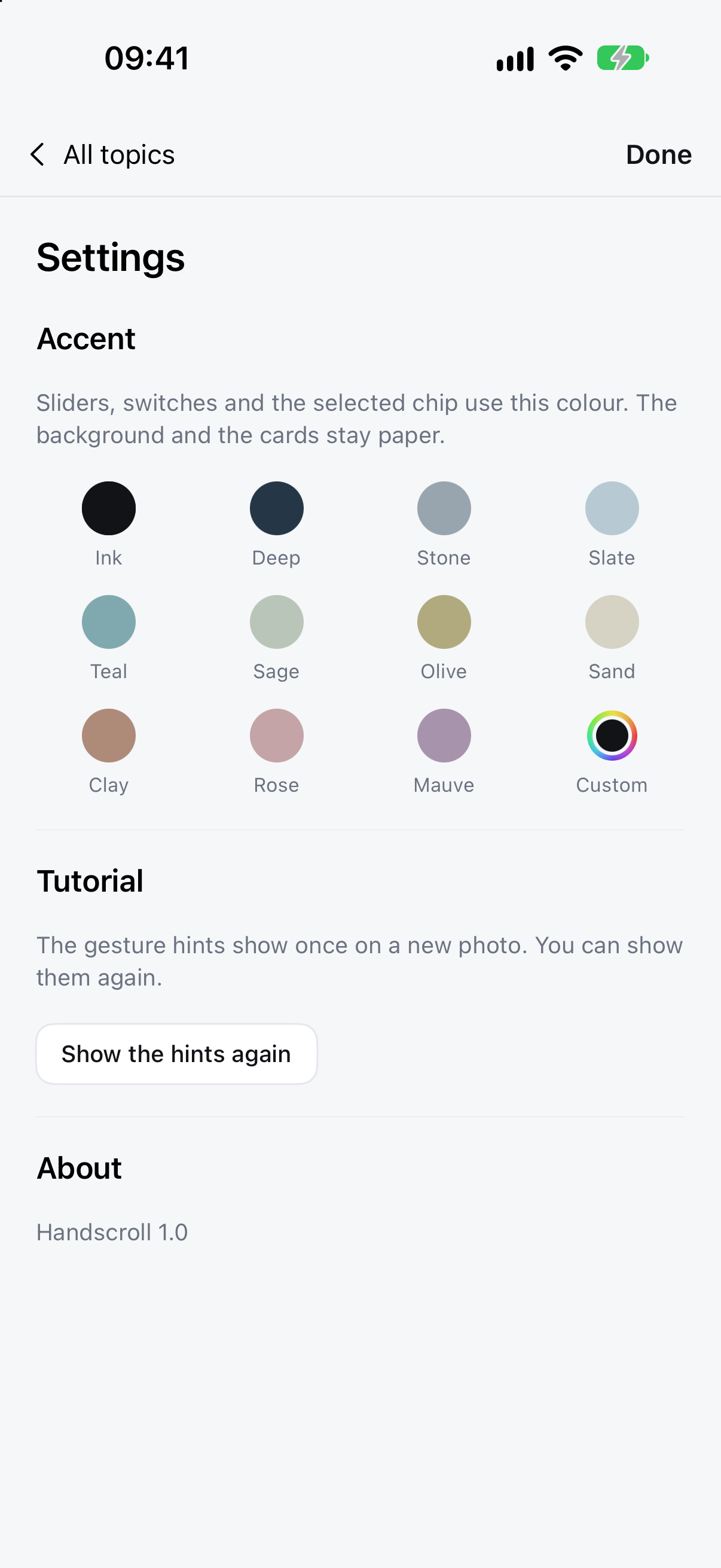
Settings: eleven accent colours plus a custom colour.
Settings

Ways to post

Pick the frame you want.

01

Photo

One image, or 2–5 slides that line up across a post, each its own numbered file. Turn the small dials above and below the photo to change the count; drag the corner for 4:5, 3:4 or 1:1. One image starts with the whole photo on a blur: double-tap for a crop around the spot you tap, double-tap again for the whole photo. The empty space can be a blur, black, white or a colour.

02

Video

A slow pan across the whole photo, exported as an 8-second video. Set how long it runs and whether it eases in and out.

03

Batch

Add up to ten photos, record up to five steps, then run the whole recipe in one export.

04

Manual

A built-in guide to every control, plus the 4:5 warning when a taller frame will get cropped elsewhere.

Privacy

Nothing leaves the phone.

  • On the device. The photo is opened, cut, cropped and encoded where it already is. There is no upload step.
  • No account. There is nothing to sign up for and nothing to sign in to.
  • No network. The app makes no network requests: no analytics, no advertising, no third-party SDKs.
  • Only the photos you pick. The system photo picker hands over the chosen photo and nothing else.
  • Saved where you expect. Finished files go to your photo library or to the share sheet. Preferences stay in the app's own settings.

Where it's at

In App Review.

The iPhone app is with Apple now, and this page gets the App Store link when it's out. The browser version below does the same jobs without the photo library — it runs entirely in the tab.